Freebies
Desktop iPhone and iPad January 2013 Chalkboard Wallpaper
Get the popular chalkboard look for your computer background or iphone/ipad wallpaper with this free January computer wallpaper background at cetcu.com
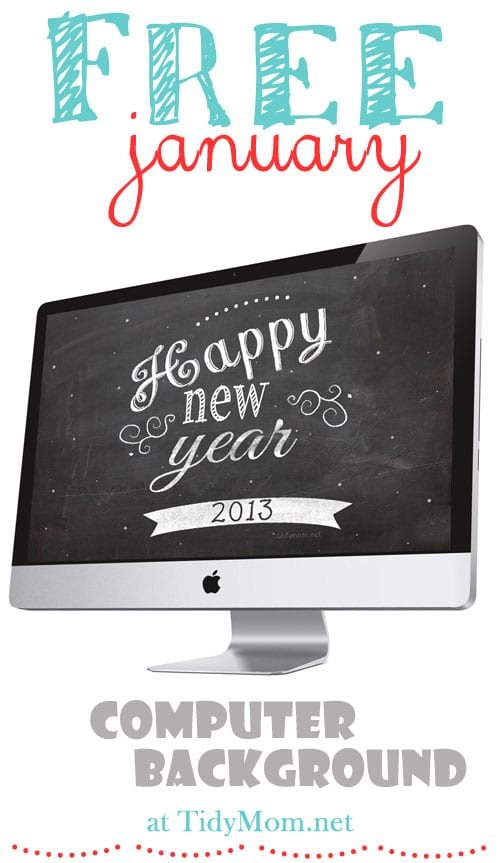
Every month I like to change my computer desktop and iphone backgrounds to a fun desktop wallpaper. This month I decided to make one of my own and and share it as a free download for Cetcu readers.

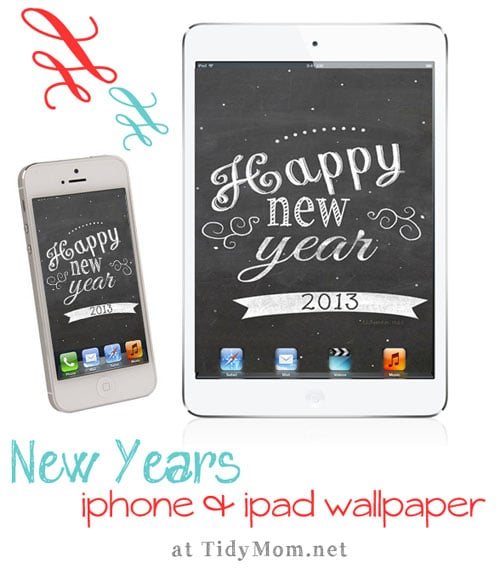
Chalkboard look it all the rage right now and I thought it would make a cute background for my computer, iphone and ipad! I made them in 2 sizes that should fit most computer monitors, as well as a size for the iphone and ipad.
If you need help saving and setting your new background, it’s super easy, but I have some instructions for you to make it even easier.

Cetcu desktop wallpaper is for personal use only. No commercial use or redistribution.
Download 1024 x 768 (most regular sized monitors)
Download 1280 x 800 (for most wide screen monitors)
Download 320 x 480 (for iphone)
Download 1024 x 1024 (for ipad)
NOTE: there seems to be some trouble downloading with Internet Explorer, if you have trouble, try another browser, like Firefox.
How to set an image as your background wallpaper
Click to download the image size that best fits your monitor or device.
Then click the down arrow on the top left of the screen to save to your computer or device.
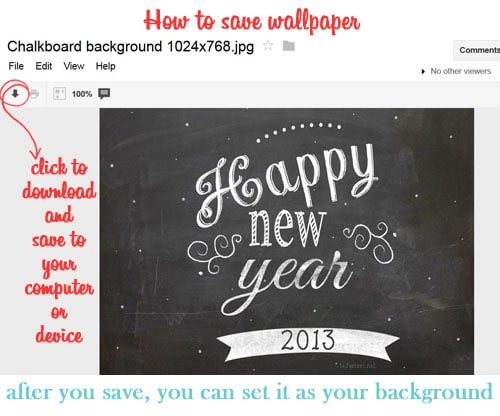
After you save, find the image you just downloaded. If you use Windows, find the image that you just downloaded on your computer and right click that image. A box will pop up and click Set as Desktop Background.
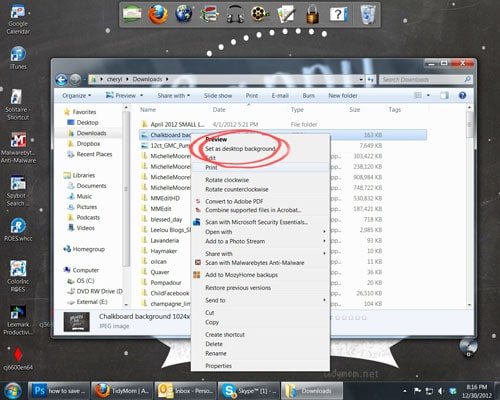
If you use a Mac you do the same thing; when you right click on the image you saved, a box will pop up and you’ll want to click Set Desktop Picture.
click here for iphone/ipad instructions on how to set a picture as wallpaper.
That’s it! Easy Peasy!
Happy New Year!! Here’s to a fabulous 2013
UPDATE: You can get the January 2014 Background here